
-
×
 Geoff Cudd – AI Writing Course for Bloggers & Digital Marketers
1 × $ 20.00
-
×
 Roland Frasier – AI Monetization Mastery Elite
1 × $ 30.00
-
×
 Justin Blackman – Write Like Anyone
1 × $ 35.00
-
×
 Meet Kevin - Real Estate Investing From $0 to Millionaire & Beyond
1 × $ 30.00
-
×
 TheMacLyf - Hive Mind & Masterclass (Onlyfans Course)
1 × $ 25.00
-
×
 Alicia & Lorette – Ai Innovators Club
1 × $ 20.00



Description
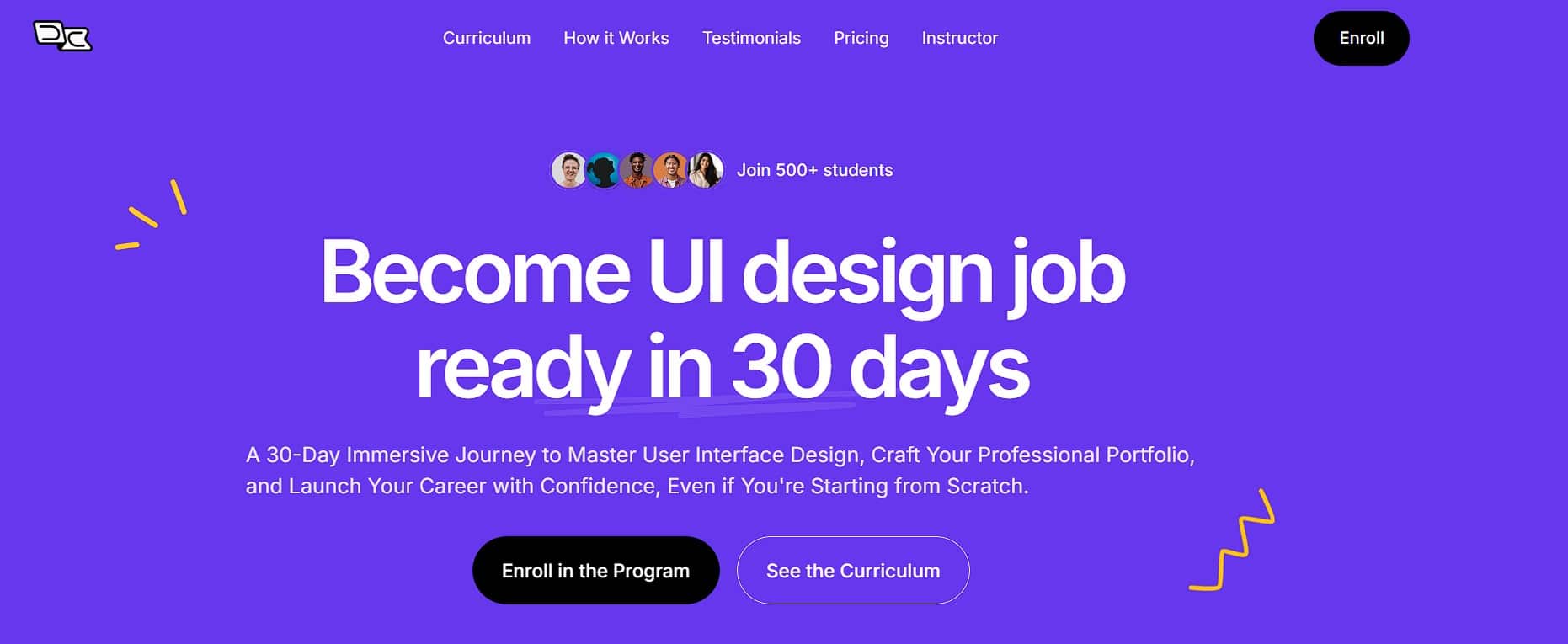
Become UI design job ready in 30 days by Designchamps is a fast-paced course for aspiring interface designers. It is designed for people starting from scratch as well as graphic designers transitioning into UI, combining foundational lessons with practical projects over a 30-day schedule.
The course focuses on applying design concepts to real-world work, from early interface ideas through case studies and portfolio presentation.
UI design skills you’ll develop
- 1. Understanding the fundamentals of UI design.
- 2. Mastering design software tools and their applications.
- 3. Creating user-friendly interfaces and experiences.
- 4. Learning design principles and best practices.
- 5. Building a professional portfolio to showcase your work.
- 6. Navigating the job search process in the design field.
A focused approach to UI design
Designchamps combines an accelerated schedule with coverage ranging from fundamental design principles to prototyping tools. Rather than treating interface design as theory alone, the course includes hands-on work and projects based on real-world scenarios.
The projects are intended to help learners develop case studies that demonstrate their approach to design. The format is aimed at people who want to begin developing UI skills on a focused schedule.
Building a foundation in UI design
The course begins with the visual principles used to organize an interface: alignment, contrast, hierarchy and balance. These topics provide a basis for considering how elements are arranged and how a design communicates visually.
Color theory and typography lessons address the use of color and fonts for impact and readability. The course also introduces user-centered design, focusing on interfaces that consider user needs and usability alongside their appearance.
Tools for wireframing and prototyping
The software portion introduces Figma, Sketch and Adobe XD as tools used in UI and UX design. Learners work with wireframes and interactive prototypes to develop interface ideas and show how those ideas might function.
Lessons also cover plugins and design systems. Reusable design components are part of this discussion, with attention to how they can support a more efficient workflow across design projects.
Modern UI design techniques
Responsive design lessons explore creating interfaces for web and mobile platforms. The course also addresses interactive elements, including navigation menus and buttons, and their role in making an interface intuitive to use.
Accessibility and usability are covered through practices intended to make designs more inclusive and user-friendly. These topics sit alongside the visual and technical lessons so learners can consider how people interact with the finished interface.
Developing a UI design portfolio
The portfolio section starts with selecting projects that show a range of abilities and demonstrate problem-solving. It then moves into case study development, including how to organize a case study around the designer’s thinking and skills.
Learners also explore ways to present their work to potential employers or clients. Real-world projects provide material for a portfolio that can show both creative work and technical ability.
Who the course is designed for
Complete beginners can approach UI design from the beginning, while graphic designers can use the curriculum to expand into interface work. The course also addresses freelancers looking to add UI skills and design enthusiasts considering a career in the field.
No prior experience is required. The combination of foundational lessons and practical projects is intended to support learners at different starting points.
Practical work and career preparation
The 30-day curriculum brings together design knowledge and project work with career preparation in mind. Its projects give learners opportunities to apply techniques and build examples for a professional portfolio.
The course also addresses the design-field job search, connecting portfolio presentation with the process of pursuing UI design opportunities.
Learning with Designchamps
The course draws on instructors with real-world UI and UX design experience. Its practical emphasis is reflected in lessons that connect tools and techniques with projects and real-world applications.
Supporting resources include detailed lessons, tools and templates. The course materials also include videos and PDFs.
Daily lessons and weekly projects
The schedule calls for approximately two to three hours of lessons each day across the 30-day course. Weekly projects use real-world simulations to give learners a way to apply the concepts covered in the lessons.
This structure moves between learning and practical work, with projects contributing to the portfolio and case study development covered elsewhere in the curriculum.
Frequently asked questions
What does Become UI design job ready in 30 days cover?
The course covers design principles, UI software, wireframing, prototyping, responsive design, accessibility and portfolio presentation.
Do I need previous design experience?
No prior experience is required. The course is intended for beginners as well as graphic designers expanding into UI design.
Which design tools are covered?
The course introduces Figma, Sketch and Adobe XD, along with plugins and reusable design components.
What materials are included?
The course materials include videos and PDFs, as well as lessons, tools and templates for practical work.
How is the 30-day course organized?
The course follows a 30-day schedule, with daily lessons taking around two to three hours and projects assigned weekly.
Reviews (0)
Be the first to review “Designchamps – Become UI design job ready in 30 days”
Related products
Sale!

Artificial Intelligence
Yury Yeltsov – Video Creation By Using Artificial Intelligence
Original price was: $ 210.00.$ 55.00Current price is: $ 55.00.
Sale!

Artificial Intelligence
Original price was: $ 120.00.$ 35.00Current price is: $ 35.00.
Sale!
Affiliate Marketing
Original price was: $ 197.00.$ 20.00Current price is: $ 20.00.
Sale!

Artificial Intelligence
Original price was: $ 25.00.$ 10.00Current price is: $ 10.00.
Sale!

Artificial Intelligence
Original price was: $ 197.00.$ 20.00Current price is: $ 20.00.
Sale!

Artificial Intelligence
Original price was: $ 354.00.$ 25.00Current price is: $ 25.00.
Sale!

Artificial Intelligence
Original price was: $ 194.00.$ 20.00Current price is: $ 20.00.
Sale!

Artificial Intelligence
Original price was: $ 145.00.$ 25.00Current price is: $ 25.00.

Reviews
There are no reviews yet.